


5 Highlights of Brand New Camera Web UI
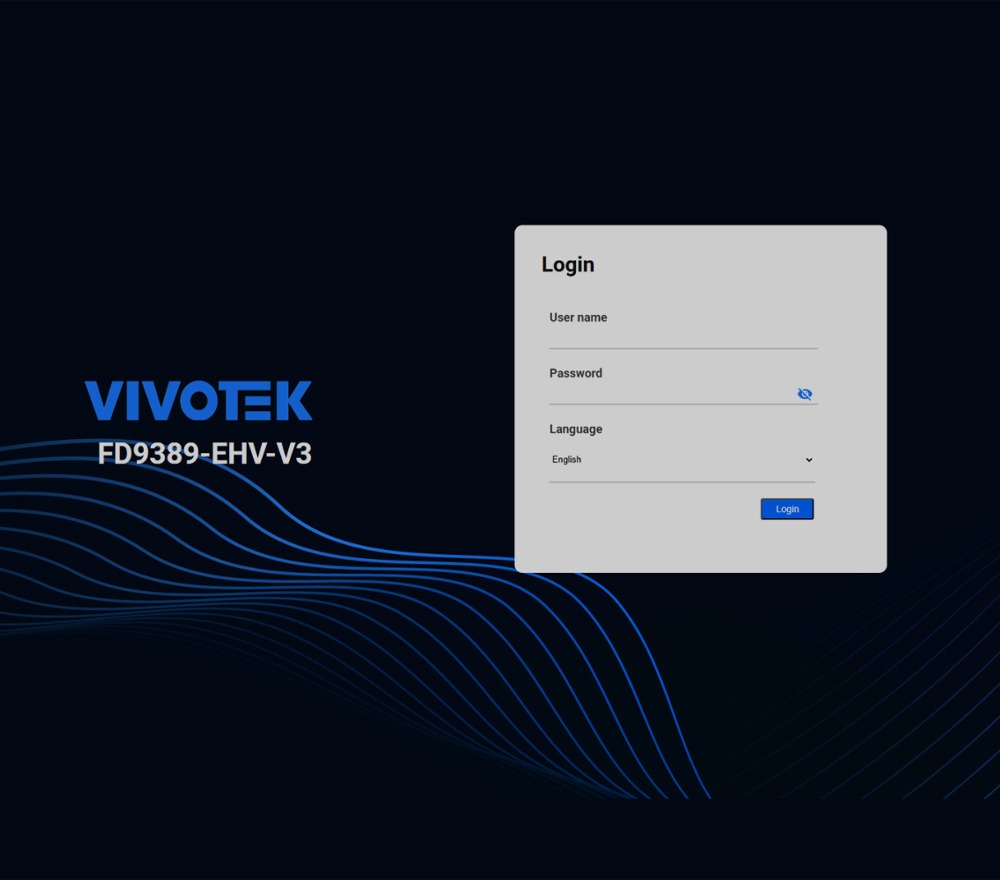
1. 70% of setup is completed in seconds
Streamlining installation has never been easier. The new web interface offers a separate setup category where all essential settings are consolidated. This feature allows users to quickly configure their cameras without having to navigate multiple menus, ensuring a fast setup process from start to finish.
2. Responsive Web Design for a Mobile Experience
Now supports a responsive web design to easily adjust to any device size. Whether you're using a desktop, tablet, or smartphone, the interface automatically adapts to give you an optimized layout, ensuring seamless surveillance across different platforms and providing an intuitive and intuitive user experience.

3. H.265 Compression Technology Supported in Chrome
The new web interface supports H.265 compression technology directly in popular browsers like Chrome. This allows users to enjoy efficient video streaming with reduced bandwidth usage and lower storage requirements, all without compromising quality.

4. Reorganized and Intuitive Interface with Graphic Design
The new interface adopts a standardized structure and categorization, aligning with leading technology companies for easier navigation. With a graphic-based design, key features are more accessible at a glance.

5. Easy Multi-Camera Deployment with Device Manager
Once a network camera is configured, users can quickly upload configuration files to multiple cameras of the same model using Device Manager, VIVOTEK's specialized software that enables efficient multi-camera management and ensures seamless deployment in medium- to large-scale installations.

Conclusion
Designed for convenience and control, the new camera web interface offers easy-to-access settings, an intuitive design, seamless responsiveness, H.265 codec support, and simplified multi-camera deployment using Device Manager. Whether managing one camera or dozens, you'll enjoy an efficient and hassle-free
source: VIVOTEK